Changelog

Discover feature launches and improvements to Buildstash

More column options for the Builds table

When viewing builds within any application, you now have even more ability to customize what columns are shown, including showing in the table:

  • build architectures

  • filenames

  • SCM info including repository name, commit sha, etc

  • CI source info

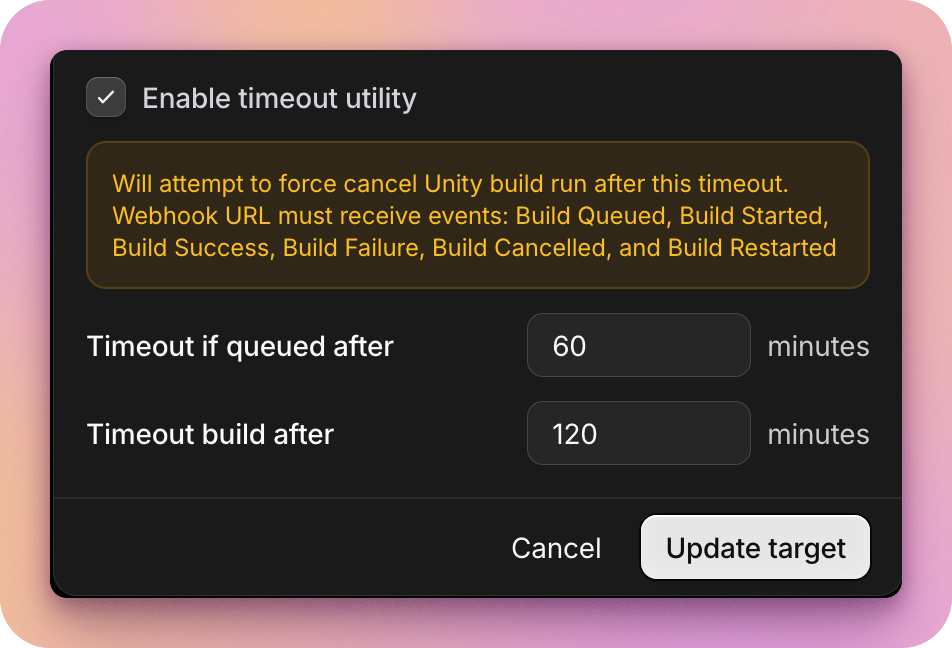
Automatic timeout of Unity builds

A current limitation of Unity’s Build Automation platform is that they don’t provide any way to force timeout cloud builds.

So, if a build unexpectedly stalls without failing, unless you notice and manually cancel it, you can wind up with it running for many hours unnecessarily, burning your build minutes, and costing you money!

To help with this, we built a tool to let you automate forced timeouts of Unity builds if they’ve either been queued for a set time but not started, or been “building” for way longer than would be normal.

It’s easy to toggle this on for your existing Unity connection. Check out the docs to get started.

Portals

Portals allow you to create a custom-branded space, which you can publish select build streams and/or releases to - whether for a single application or multiple. Each portal is hosted on a custom subdomain you can link to, or even host on your own website.

This is a massive feature we're so excited to bring to you, opening up so many possibilities:

  • An open source project sharing builds across multiple streams and target platforms: no longer a need to build a custom interface, just spin up a portal in minutes
  • An agency sharing select releases out to a client: now you can do it in a custom-branded secure space you control, and host on a subdomain on your website, giving a great impression
  • Proprietary software you sell directly and want to provide your users a custom branded interface to download releases you push out to them
  • A game studio sharing a beta stream with a test group
  • the possibilities are endless!

Read more about Portals in our blog, and full setup steps in our documentation.

Automations

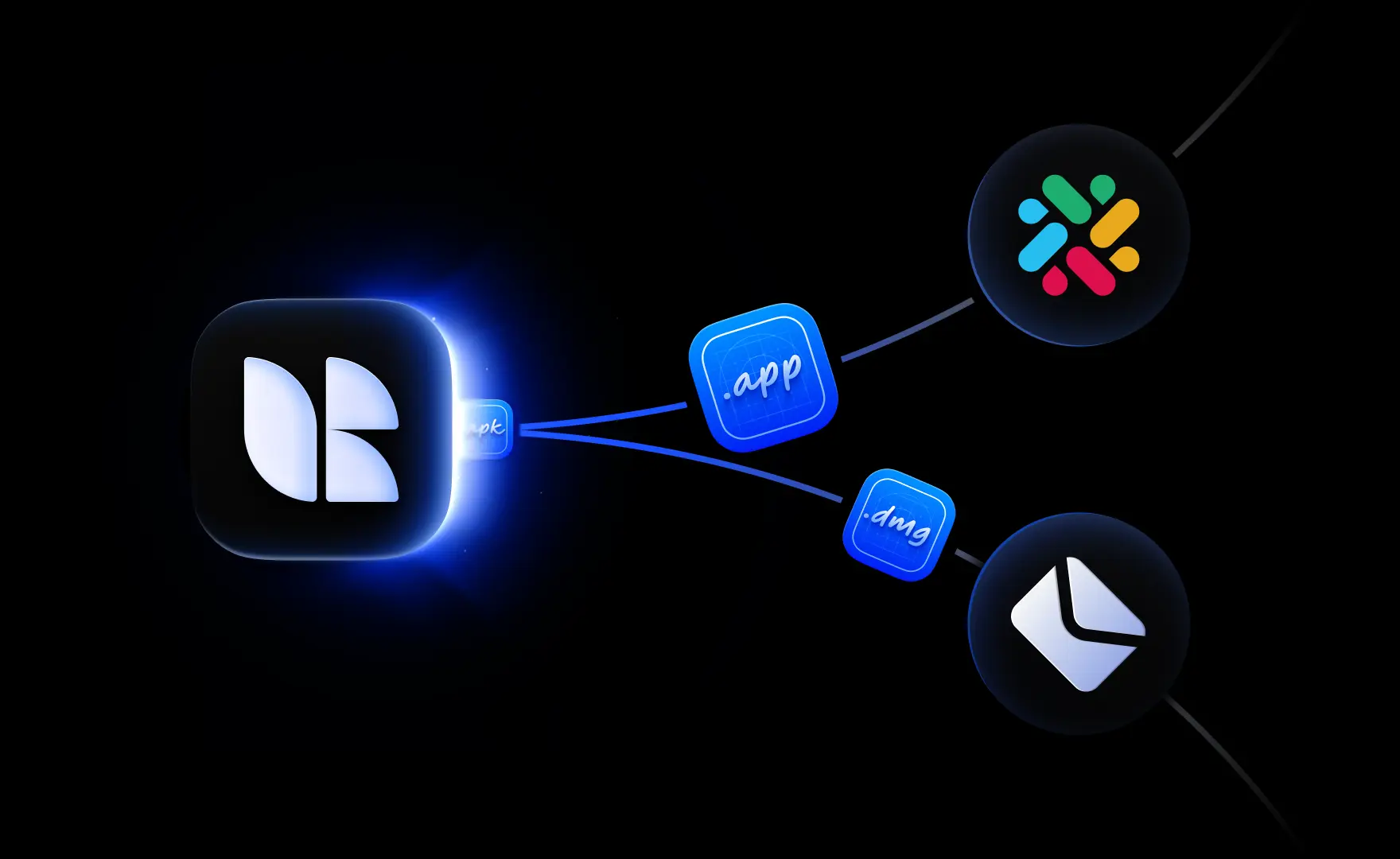
Trigger automations - notifying external services of events in your Buildstash workspace - whether uploading or moving a build into a specific stream, applying a label, or creating a release.

Automations we're launching today:

Read more about automations and how to set them up, in our docs.